Making OpenSlide Usable by Code Agents with Four MCP Tools
OpenSlide already had the hard part: a slide engine, a React authoring model, a CLI, and static builds. What it lacked was a clean boundary for code agents.
A human can answer an overwrite prompt, watch terminal output, and decide what command to run next. An agent works better with named arguments, validation, and one structured response per operation. The new OpenSlide MCP server adds that boundary without creating a second slide engine.
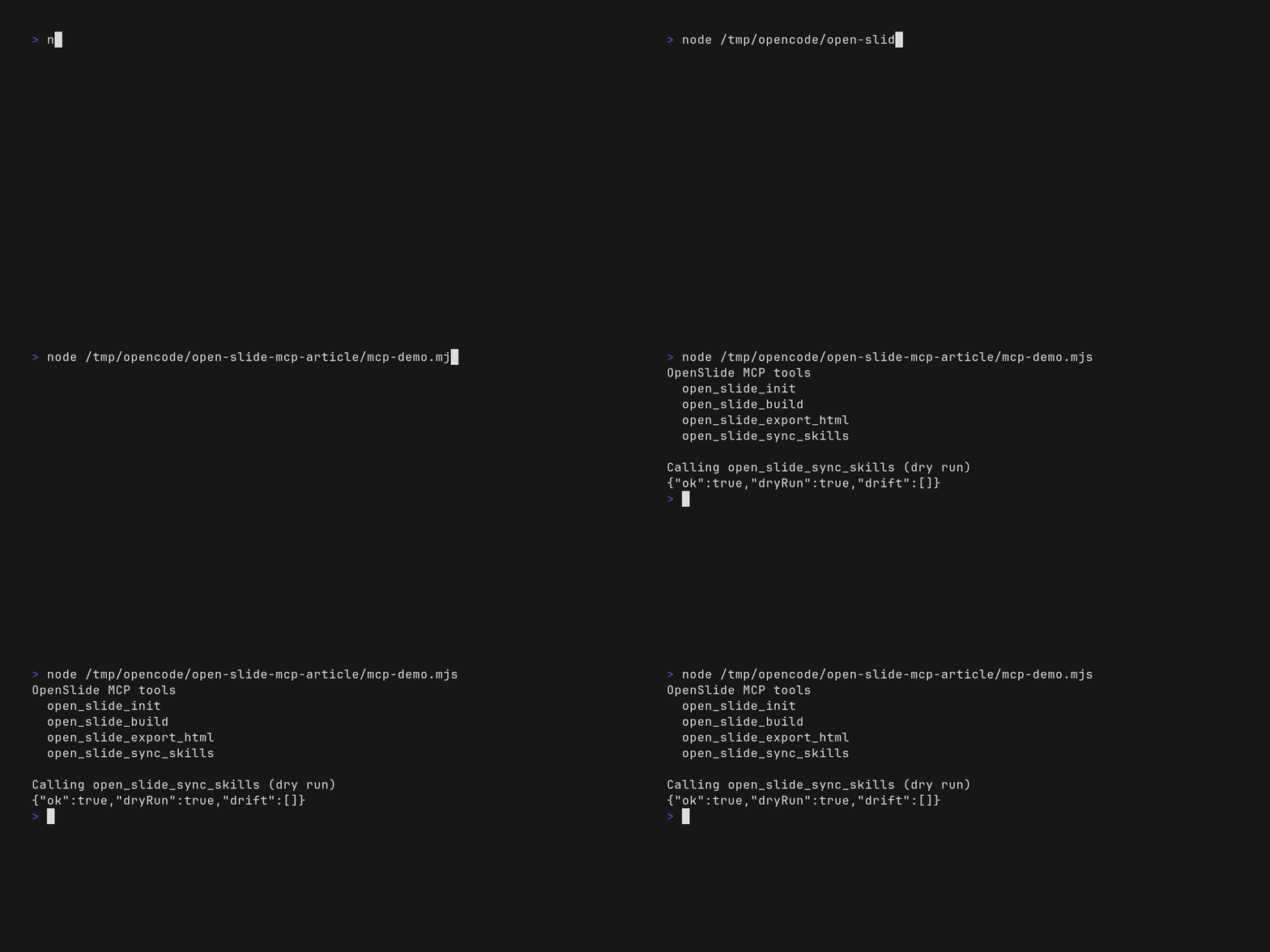
The recording above shows the real end-to-end flow: the five-page brief, the agent-authored slide source, and open_slide_build resolving the output directory — all through a real MCP client over stdio.
The boundary was the missing piece
The implementation is intentionally thin:
code agent
    │ MCP over stdio
    ▼
@open-slide/mcp
    │ validated function calls
    ▼
@open-slide/cli + @open-slide/core/cli
The MCP package uses the official TypeScript MCP SDK and Zod. Each handler validates its input, delegates to existing OpenSlide code, and returns JSON as MCP text content. Build logic, workspace scaffolding, skill synchronization, and HTML generation remain owned by the existing CLI packages.
That matters because duplicating those operations inside an MCP-specific implementation would create two behaviors to maintain. A thin adapter keeps the protocol boundary new while leaving the slide engine alone.
Four finite tools
The server exposes four operations:
open_slide_init
Creates a workspace. Its arguments cover the decisions that would otherwise require interactive terminal input:
dir, force, name, install, git, packageManagerThe result reports the resolved workspace directory.
open_slide_build
Builds an existing workspace into a static SPA. It accepts the workspace directory and an optional output directory, then reports the resolved output path.
open_slide_export_html
Builds the workspace and attempts to produce one HTML file. It accepts the workspace directory and an optional output filename.
open_slide_sync_skills
Synchronizes OpenSlide's bundled agent skills into the workspace. With dryRun: true, it reports drift without writing files. The implementation also preserves the existing symlink-first behavior and copy fallback.
These are deliberately finite operations. Long-running dev and preview sessions are not MCP tools. They do not fit the same request-response lifecycle and remain normal CLI commands.
Dogfooding the workflow
The deck below was made through the same path described here:
open_slide_initcreated an isolated workspace.- The agent replaced the generated sample with a five-page React deck about the MCP server.
open_slide_buildcompiled the workspace.- The resulting static SPA was copied into this Zola site's
static/tree. - This article embeds that real output rather than a screenshot of it.
Open the interactive deck in a separate tab
Use the left and right arrow keys inside the deck to move between its five pages.
What the demo found
Dogfooding exposed a real limitation in open_slide_export_html.
The exporter sets Vite's asset inline limit high enough to inline normal emitted assets, then replaces the entry JavaScript and CSS references in index.html. Slide decks, however, are loaded as dynamic JavaScript chunks. The exported HTML did not contain the chunk for this deck, so calling the file self-contained would be inaccurate.
The embedded artifact therefore uses open_slide_build, with a dedicated base path, instead of pretending the single-file export worked. The build output contains the entry bundle, CSS, fonts, and the deck's dynamic chunk under one static directory.
This is exactly why a real end-to-end artifact is more useful than a tool-registration test. The MCP calls worked, the build worked, and the final embed still revealed a packaging bug at the delivery boundary.
What MCP improves—and what it does not
MCP removes terminal ambiguity for agents:
- no TTY prompt parsing for workspace creation;
- explicit, validated arguments;
- stable structured responses;
- direct access to existing build and synchronization operations;
- no duplicated slide engine.
It does not remove OpenSlide's runtime requirements. The server still needs Node.js 18 or newer and the OpenSlide packages. A static build still needs to be hosted somewhere. Large assets still increase output size. Interactive development remains a CLI workflow.
The result is small on purpose: four tools, one stdio transport, and delegation to code that already existed. That is enough for an agent to create a workspace, author a deck, build it, and hand a deployable artifact to the next step.