Tapedeck: A Scriptable Recording Deck for Terminal Demos
Most terminal demos are recorded the hard way: start a screen recorder, type the same commands again, and hope the timing survives the next take. Tapedeck is a small Rust proof of concept aimed at making that process scriptable.
The input is a .roll file. It describes the actions that should happen during a recording — typing, key presses, sleeps, output format, and frame rate — instead of encoding the demo as a one-off manual session.
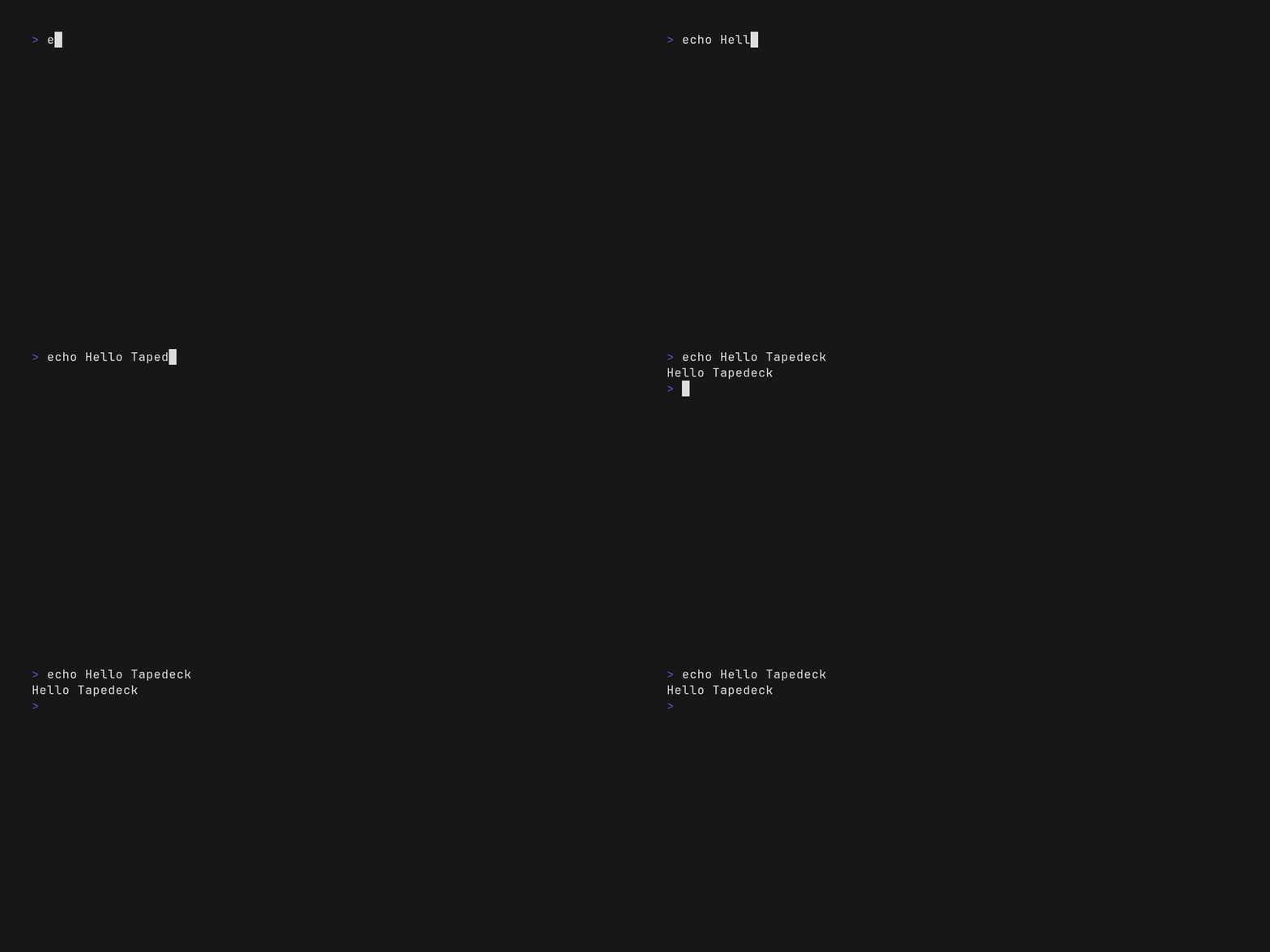
The first useful split
Tapedeck currently has two recording paths:
- VHS for terminal sessions, translating the script into a
vhs .taperun. - Native for real desktop windows, with Wayland/X11 input and capture work planned around the native engine.
Set Engine Auto lets the project choose the path from the script's intent. The CLI also supports --dry-run, so a recording can be checked for parsing and engine selection before it touches the screen.
The implementation is deliberately becoming boring in the right places: shared .roll parsing, an engine trait, XDG-aware configuration, and explicit output flags such as --fps, --gif, and --webp. The latest commits add tapedeck doctor, which checks dependencies and probes available hardware encoders before saving the result to configuration.
Why this is a PoC
The current milestone is not a polished capture suite. It is a test of the core loop:
.roll script → parse → select engine → record → export mediaThat loop is already enough to make a terminal demo repeatable. The next articles can go deeper into native window capture, hardware encoding, and asset management. For now, Tapedeck is the smallest interesting question: can a developer describe a demo once and regenerate it without manually replaying every keystroke?